Agentic AI
Agentic AI Training In Hyderabad
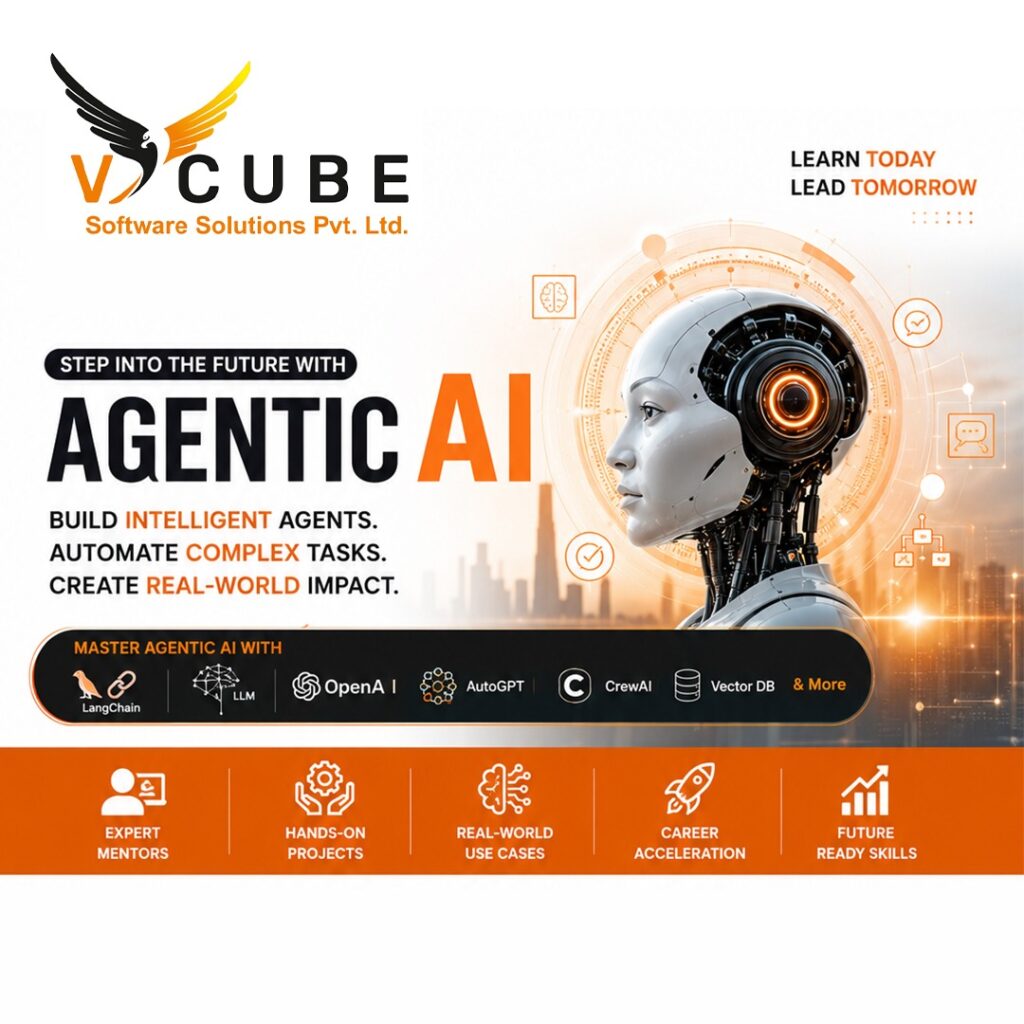
Agentic AI Course in Hyderabad at Vcube Software Solutions is designed to help you master AI agents, automation, and real-world applications. This course covers advanced concepts like Large Language Models (LLMs), autonomous AI agents, prompt engineering, and AI workflow automation. With hands-on projects and industry-focused training, students gain practical experience to build intelligent AI systems. Join the best Agentic AI training institute in Hyderabad and boost your career with high-demand AI skills.
Duration: 180 days
AI&Data science Course's Key Highlights
 100+ hours of learning Real-time industry professionals curate the course.
Internships and live projects
A cutting-edge training facility
Dedicated staff of placement experts
Placement is guaranteed 100 percent Assistance
28+ Skills That Are Useful in the Workplace
Trainers with a minimum of 12 years of experience
Videos and back-up classes
Subject Matter Experts Deliver Guest Lectures
Enter Your Details

Full Stack Generative AI & Agentic AI
Module 1: Development Environment Setup
- 1.1 Introduction to AI Development Environment
- 1.2 Code Editors
- 1.3 Python Installation
- 1.4 Jupyter Notebook Setup
- 1.5 PyCharm Setup
- 1.6 VS Code Setup
- 1.7 Virtual Environments
- 1.8 Package Management (pip)
- 1.9 Environment Variables (.env)
- 1.10 Essential VS Code Extensions
- 1.11 Project Structure
- 2.1 Instructions
- 2.2 Instruction Execution Cycle
- 2.3 Capabilities of Computers
- 2.4 Intelligence as a Service (AIaaS)
- 3.1 What is Artificial Intelligence (AI)?
- 3.2 Types of Artificial Intelligence (Based on Capability)
- 3.3 Types of Artificial Intelligence (Based on Functionality)
- 3.4 AI vs Machine Learning vs Deep Learning
- 3.5 Applications of Artificial Intelligence
- 3.6 Advantages and Limitations of AI
- 3.7 Future of AI
- 4.1 What is Machine Learning?
- 4.2 Types of Machine Learning
- 4.3 Supervised vs Unsupervised Learning
- 4.4 Machine Learning Workflow
- 4.5 Applications of Machine Learning
- 5.1 What is a Neural Network?
- 5.2 Artificial Neural Network (ANN)
- 5.3 How an ANN Works
- 5.4 Applications of Neural Networks
- 5.5 Neural Networks vs Traditional Programming
- 6.1 What is Deep Learning?
- 6.2 How Deep Learning Works
- 6.3 Applications of Deep Learning
- 6.4 What is Multimodality?
- 6.5 Applications of Multimodal AI
- 6.6 Deep Learning in Generative AI
- 7.1 Introduction to Generative AI
- 7.2 Large Language Models (LLMs)
- 7.3 GPT Family & Evolution
- 7.4 LLM Processing Pipeline
- 7.5 Tokenization
- 7.6 Vocabulary
- 7.7 Special / Reserved Tokens
- 7.8 Context Window
- 7.9 Next Token Prediction
- 7.10 De-Tokenization
- 7.11 LLM Inference
- 7.12 Applications of LLMs
- 8.1 Introduction to Transformer Architecture
- 8.2 Encoder vs Decoder Architecture
- 8.3 Transformer Processing Pipeline
- 8.4 Vector Embeddings
- 8.5 Embedding Matrix
- 8.6 Embedding Dimensions
- 8.7 Similarity in Vector Space
- 8.8 Cosine Similarity
- 8.9 Types of Embeddings
- 8.10 Positional Encoding
- 8.11 Self-Attention
- 8.12 Multi-Head Attention
- 8.13 Feed Forward Network (FFN)
- 8.14 Residual Connections & Layer Normalization
- 8.15 Output Layer
- 8.16 Transformer Processing Flow
- 8.17 Attention Visualization
- 9.1 Open Source vs Closed Source LLMs
- 9.2 Popular LLM Providers
- 9.3 Connecting to LLM Models
- 9.4 OpenAI-Compatible APIs
- 9.5 LLM Generation Controls
- 9.6 How LLMs are Trained
- 9.7 Training vs Inference
- 9.8 Backpropagation (Concept)
- 9.9 Types of AI Models Based on Input & Output
- 9.10 Working with Files in LLM Applications
- 10.1 Introduction to Prompt Engineering
- 10.2 Common Ways to Format Prompts
- 10.3 Types of Prompts
- 10.4 Prompt Styles
- 10.5 Guardrails
- 10.6 Output Formatting
- 10.7 Constraints Prompting
- 10.8 Step-by-Step Task Decomposition
- 10.9 Prompt Chaining
- 10.10 Prompt Engineering Best Practices
- 10.11 Content & Code Generation
- 10.12 Data Extraction
- 10.13 Prompt Injection
- 10.14 JSON Response Generation
- 11.1 Introduction to Self-Hosted LLMs
- 11.2 Introduction to Ollama
- 11.3 Installing Ollama
- 11.4 Working with Ollama
- 11.5 Popular Ollama Models
- 11.6 Using Ollama from Python
- 11.7 OpenAI-Compatible API with Ollama
Module 12: Building an LLM as a Service with Flask
- 12.1 Introduction to LLM as a Service
- 12.2 Setting Up the Flask Project
- 12.3 Flask Templates (Jinja2)
- 12.4 Creating the Chat Interface
- 12.5 Building LLM API Endpoints
- 12.6 Connecting an LLM
- 12.7 Sending Prompts to the LLM
- 12.8 Testing the Application
- 12.9 Deploying the Flask Application
- 12.10 Consuming the API from React
Module 13: LLM Service Testing with Postman & Bruno
- 13.1 Introduction to API Testing
- 13.2 Introduction to Postman
- 13.3 Introduction to Bruno
- 13.4 Returning JSON Data
- 13.5 Creating a POST Request
- 13.6 Testing APIs
- 13.7 Error Handling
Module 14: Building LLM Services with FastAPI
- 14.1 Introduction to FastAPI
- 14.2 Setting Up a FastAPI Project
- 14.3 Introduction to Pydantic
- 14.4 Creating Your First API
- 14.5 Building an LLM Chat Service
- 14.6 Connecting an LLM
- 14.7 Request Validation with Pydantic
- 14.8 Error Handling
- 14.9 Interactive API Documentation
- 14.10 Testing the APIs
Module 15: Hugging Face & Open-Source LLMs
- 15.1 Introduction to Hugging Face
- 15.2 GitHub vs Hugging Face
- 15.3 Creating a Hugging Face Account
- 15.4 Hugging Face Architecture
- 15.5 Important Hugging Face Libraries
- 15.6 Types of AI Models
- 15.7 Model Parameters
- 15.8 Popular Model Sizes
- 15.9 Model Weight Formats
- 15.10 Model Size Calculation
- 15.11 Model Licenses
- 15.12 Installing Transformers
- 15.13 Hugging Face Pipelines
- 15.14 Tokenizers
- 15.15 AutoTokenizer
- 15.16 Downloading Models from Hugging Face
- 15.17 Hugging Face Datasets
- 15.18 Multi-modal LLMs in Hugging Face
- 15.19 Hugging Face Spaces
Module 16: Advanced LLM Features
- 16.1 Advanced LLM Capabilities
- 16.2 JSON Output
- 16.3 Structured Output
- 16.4 Streaming Responses
- 16.5 Vision Models (Multimodal AI)
- 16.6 Function Calling
- 16.7 Vision + Function Calling
Module 17: Agentic AI
- 17.1 Agent Workflow
- 17.2 Planning
- 17.3 Reasoning
- 17.4 Observation
- 17.5 Adding Tools to AI Agents
- 17.6 Manual Tool Calling (Rule-Based)
- 17.7 AI Agent Tool Calling (LLM-Based)
- 17.8 AI Agent with Multiple Tools
- 17.9 System Prompts for AI Agents
- 17.10 Building AI Agents
- Module 18: LangChain
18.1 Introduction to LangChain
- 18.2 Installing LangChain
- 18.3 Chat Models
- 18.4 Prompt Templates
- 18.5 Output Parsers
- 18.6 Chains
- 18.7 Tools
- 18.8 LangChain Agents
- 18.9 ReAct Agent (Introduction)
- 18.10 Conversation Memory
- 18.11 Document Loaders
- 18.12 Text Splitters
- 18.13 Callbacks
Module 19: Memory in AI Agents
- 19.1 Introduction to Memory
- 19.2 Context Window
- 19.3 Types of Memory
- 19.4 Conversation Memory
- 19.5 Persistent Memory
- 19.6 Checkpoints
- 19.7 Memory Storage Options
- 19.8 Session Memory
- 19.9 Implementing Memory
Module 20: Retrieval-Augmented Generation (RAG)
- 20.1 Introduction to RAG
- 20.2 Problem Statements
- 20.3 RAG Architecture
- 20.4 Phases of RAG
- 20.5 Document Loaders
- 20.6 Text Chunking
- 20.7 Query Rewriting
- 20.8 Embedding Models
- 20.9 Retriever
- 20.10 Building a Complete RAG Application
- 20.11 Hybrid Search
Module 21: Vector Databases
- 21.1 Introduction to Vector Databases
- 21.2 Vector Database Architecture
- 21.3 Popular Vector Databases
- 21.4 Similarity Search
- 21.5 CRUD Operations
- 21.6 Metadata Filtering
- 21.7 Choosing the Right Vector Database
Module 22: LangGraph
- 22.1 Introduction to LangGraph
- 22.2 LangGraph Architecture
- 22.3 Installing LangGraph
- 22.4 Understanding State
- 22.5 Nodes
- 22.6 Edges
- 22.7 Conditional Edges
- 22.8 State
- 22.9 Building Your First Graph
- 22.10 Conditional Routing
- 22.11 Integrating LLMs
- 22.12 Tool Calling in LangGraph
- 22.13 Memory & Checkpoints
- 22.14 Human-in-the-Loop
Module 23: Model Context Protocol (MCP)
- 23.1 Introduction to MCP
- 23.2 Understanding the MCP Architecture
- 23.3 MCP Components
- 23.4 MCP Communication
- 23.5 Building an MCP Server
- 23.6 Building an MCP Client
- 23.7 MCP Transport Mechanisms
- 23.8 Creating MCP Tools
- 23.9 Working with MCP Resources
- 23.10 MCP Prompts
- 23.11 Integrating MCP with AI Agents
Module 24: Multi-Agent Systems
- 24.1 Introduction to Multi-Agent Systems
- 24.2 Multi-Agent Architecture
- 24.3 Types of AI Agents
- 24.4 Agent Communication
- 24.5 Task Planning
- 24.6 Agent Collaboration Patterns
- 24.7 Memory in Multi-Agent Systems
- 24.8 Tool Sharing
- 24.9 Building Multi-Agent Systems
- 24.10 Multi-Agent Frameworks
- 24.11 Supervisor Agent
Module 25: AI Evaluation
- 25.1 Evaluating LLM Responses
- 25.2 Hallucinations
- 25.3 Ground Truth
- 25.4 Precision
- 25.5 Recall
- 25.6 Latency
- 25.7 Cost Optimization
- 25.8 Prompt Evaluation
- 25.9 RAG Evaluation
- 25.10 Agent Evaluation
Module 26: Deployment & Production AI Applications
- 26.1 FastAPI Deployment
- 26.2 Docker
- 26.3 Docker Compose
- 26.4 Nginx
- 26.5 HTTPS
- 26.6 Environment Variables
- 26.7 Logging
- 26.8 Monitoring
- 26.9 Authentication
- 26.10 Production Best Practices
- 26.11 Deploying AI Agents
- 26.12 End-to-End Projects
Upskill & Reskill For Your Future With Our Software Courses
Agentic AI Training in Hyderabad

Quick Links
Other Pages
Contact Info
- 2nd Floor Above Raymond’s Clothing Store KPHB, Phase-1, Kukatpally, Hyderabad
- +91 7675070124, +91 9059456742
- contact@vcubegroup.com